
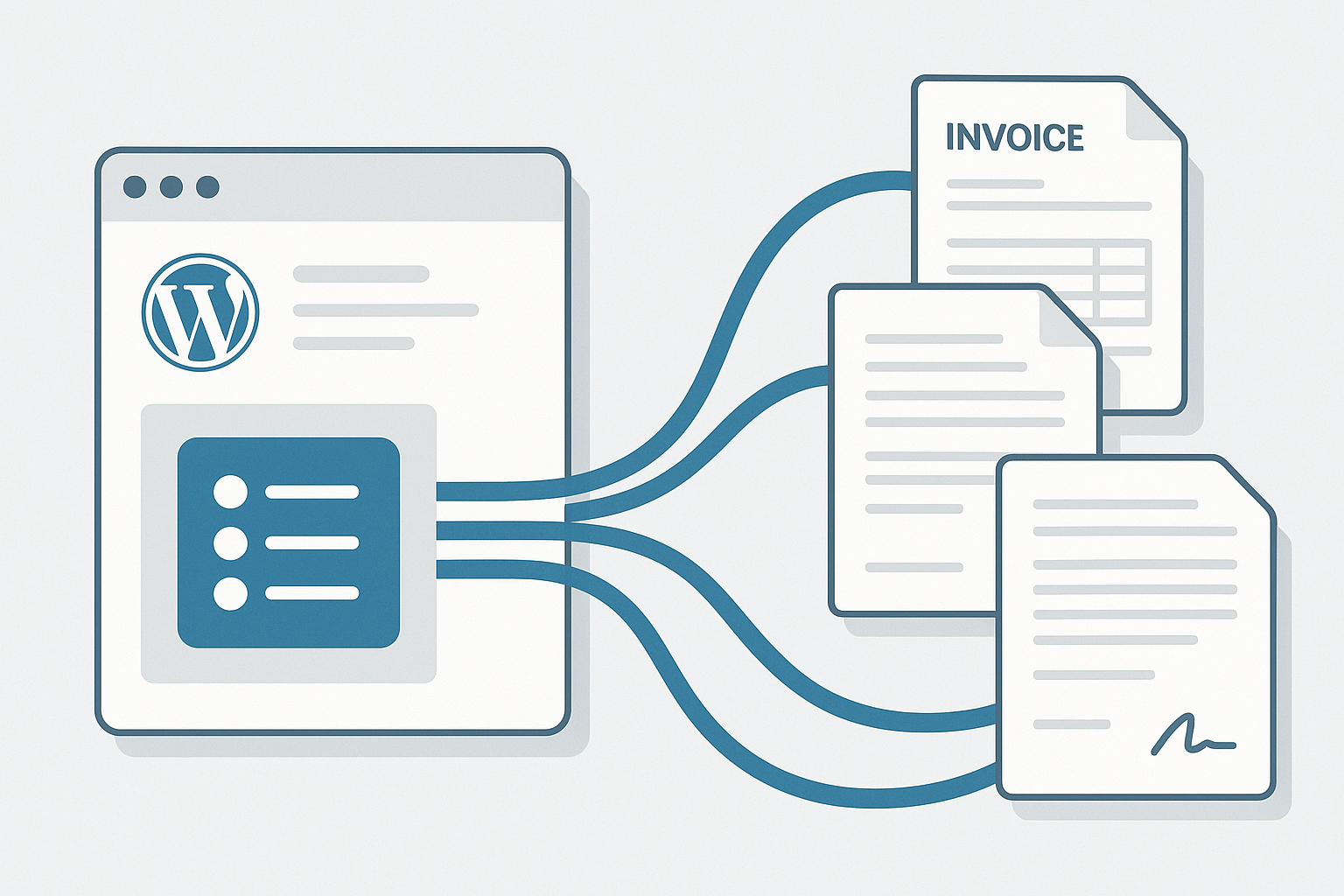
Your WordPress forms are collecting valuable data, but what happens after someone hits submit? For most sites, the answer is “nothing useful”—entries sit in a database while you manually copy information into contracts, invoices, or application documents. This disconnect costs businesses hours of administrative work weekly and creates opportunities for errors that damage professionalism and client trust.
WordPress form PDF generation solves this problem by automatically converting form submissions into polished, branded documents. Whether you need to generate contracts from consultation requests, create invoices from order forms, or produce application summaries from registration submissions, the right PDF plugin transforms your forms from data collectors into document factories.
Why WordPress Form PDF Generation Matters for Your Business
The business case for automated PDF generation extends beyond convenience. Organizations implementing form-to-PDF workflows report significant improvements across multiple metrics.
Time savings accumulate quickly when you eliminate manual document creation. A single quote request that previously required 15 minutes of copying data into a template now happens automatically upon submission. Multiply that across dozens of weekly submissions, and you recover substantial administrative capacity.
Professionalism improves when every document follows identical formatting, includes consistent branding, and arrives without the typos that plague manual data entry. Clients receiving instant, polished PDFs perceive your organization as more established and trustworthy than competitors still sending plain-text emails.
Compliance becomes easier when PDF generation includes automatic timestamps, submission tracking, and secure document handling. For industries requiring documentation trails—legal services, healthcare intake, financial applications—automated PDF generation creates audit-ready records without additional effort.
Common Use Cases for Form PDF Generation
Understanding how other businesses leverage form-to-PDF workflows helps identify opportunities within your own operations.
Contracts and Agreements
Service businesses collect client information through intake forms, then generate contracts pre-populated with names, addresses, service selections, and pricing. Combined with e-signature integration, this creates complete contract execution workflows triggered by form submission.
Invoices and Quotes
Product configurators and service quote calculators become dramatically more useful when they produce professional PDF quotes automatically. Clients receive instant documentation of their selections and pricing, complete with payment instructions and terms.
Applications and Registrations
Educational institutions, membership organizations, and event coordinators use form PDF generation to create standardized application packets. Each submission produces a formatted document suitable for review committees, membership files, or registration records.
Certificates and Confirmations
Training providers and course creators generate completion certificates automatically when students finish programs. Event registrations produce confirmation documents with tickets, schedules, and venue information.
Internal Workflows
Employee onboarding forms, expense reports, and maintenance requests all benefit from PDF generation. Documents route through approval processes with consistent formatting, making review and archival straightforward.
Top WordPress Form PDF Generation Plugins Compared
Several plugins dominate the WordPress form PDF space, each with distinct strengths suited to different requirements.
Gravity PDF
The leading solution for Gravity Forms users, Gravity PDF offers unlimited PDF generation in its free version—unusual for this category. PDFs generate server-side, meaning your data never leaves your hosting environment, which addresses privacy concerns and GDPR compliance requirements.
The free tier includes four customizable layouts with options for logos, headers, footers, custom fonts, and paper sizes. Premium extensions add specialized templates for invoices, certificates, and letters, plus features like watermarks, bulk downloads, and workflow integrations.
Gravity PDF excels when you need extensive customization. Developers can create entirely custom templates using HTML, CSS, and PHP, making virtually any document design achievable. The extensive documentation and active support community help troubleshoot complex implementations. For more ways to extend Gravity Forms functionality, see our guide to time-saving Gravity Forms add-ons.
Best for: Gravity Forms users needing customizable, privacy-focused PDF generation with room to grow into advanced customizations.
E2PDF
E2PDF distinguishes itself through broad form builder compatibility. A single E2PDF license works with Gravity Forms, WPForms, Fluent Forms, Contact Form 7, Formidable Forms, JetFormBuilder, and several others. For sites running multiple form plugins or considering future migration, this flexibility proves valuable.
The visual template builder allows creating sophisticated layouts without code. You can design PDFs that mirror existing paper forms, including precise field positioning for fillable document workflows. Digital signature support enables complete contract execution within WordPress.
Pricing starts at $24/year for one template, scaling to $96/year for 40 templates. The free version limits you to single-page PDFs with one active template—useful for testing but restrictive for production use.
Best for: Sites using multiple form plugins or needing to replicate existing paper document layouts precisely.
WPForms PDF Addon
WPForms users gain PDF generation through the official PDF Addon, available with Pro licenses ($199/year) and above. The addon integrates seamlessly with WPForms’ drag-and-drop interface, maintaining the user-friendly experience the plugin emphasizes.
PDF customization happens through a visual editor where you drag fields, add logos, and adjust styling without touching code. Templates support conditional logic, showing or hiding sections based on form responses—useful for generating different document types from a single form.
The main limitation is ecosystem lock-in. The addon only works with WPForms, and the required Pro license represents significant investment if PDF generation is your primary need.
Best for: Existing WPForms Pro users wanting native PDF generation without adding third-party plugins.
Fluent Forms PDF Generator
Fluent Forms includes PDF generation as a premium feature, with the PDF Generator addon available starting at $63/year. The implementation focuses on ease of use, with template creation through a visual builder that matches Fluent Forms’ overall design philosophy.
Notable features include dynamic shortcodes for inserting calculated values, watermark support for draft documents, password protection for sensitive PDFs, and RTL language support for international sites. Invoice generation integrates with Fluent Forms’ payment features for complete order documentation.
The addon only works with Fluent Forms, limiting flexibility if you use other form builders elsewhere on your site.
Best for: Fluent Forms users wanting streamlined PDF generation with strong international language support.
Formidable Forms PDF Views
Formidable Forms takes a different approach through its Views feature. Rather than dedicated PDF templates, you create Views displaying form data in custom layouts, then export those Views as PDFs. This approach offers flexibility but requires understanding Formidable’s Views system.
The integration with Formidable’s calculated fields makes it particularly strong for generating quotes and invoices with complex pricing logic. Data from multiple entries can combine into single documents, useful for reporting and summary generation.
Best for: Formidable Forms users comfortable with Views who need calculated field integration in PDFs.
Choosing the Right PDF Solution
Selection depends primarily on your existing form builder and specific requirements.
If you use Gravity Forms: Start with Gravity PDF’s free version. The unlimited generation and strong customization options cover most needs without additional cost. Add premium templates when you need specialized document types.
If you use multiple form builders: E2PDF’s cross-platform compatibility avoids duplicate plugin purchases. The visual template builder handles most designs without code.
If you prioritize simplicity: Native addons from WPForms or Fluent Forms integrate most smoothly with their respective builders. You sacrifice flexibility for streamlined setup.
If you need complex calculations: Formidable Forms’ Views-based approach or Gravity PDF with custom templates handle sophisticated pricing and computed values most effectively.
Implementation Best Practices
Successful PDF generation requires attention to several factors beyond plugin selection.
Design for Print
PDF documents may be printed, so design accordingly. Use adequate margins (at least 0.5 inches), ensure fonts remain readable at typical print sizes (11-12pt minimum for body text), and verify colors appear acceptable in grayscale.
Test Across Scenarios
Form responses vary. Long names, international characters, empty optional fields, and maximum-length text entries all affect PDF layout. Test with realistic data variations to catch formatting issues before clients encounter them. A staging environment makes this testing much safer.
Consider File Size
PDFs attached to notification emails increase message size. Optimize images within templates, avoid unnecessary graphics, and consider compression settings. Large PDFs may trigger spam filters or exceed email size limits. If you’re having email delivery issues, our guide to fixing WordPress form email problems covers common solutions.
Plan for Updates
Business documents change—new branding, updated terms, revised pricing. Structure templates for easy modification, keeping variable content separate from fixed formatting where possible.
Secure Sensitive Documents
PDFs containing personal information require appropriate handling. Use password protection for sensitive documents, configure access controls limiting who can view generated files, and ensure your hosting environment meets relevant compliance requirements.
Advanced Workflows and Integrations
PDF generation becomes more powerful when integrated with broader automation.
Workflow plugins like Gravity Flow can route generated PDFs through approval processes before distribution. A quote PDF might require manager approval before automatically emailing to the prospect. For more on WordPress workflow automation, see our comprehensive automation plugin guide.
CRM integrations attach generated PDFs to contact records, maintaining complete documentation without manual file management. The contract you generated becomes part of the client’s permanent record automatically.
Cloud storage connections archive PDFs to Google Drive, Dropbox, or similar services, creating organized document repositories without filling your WordPress media library.
E-signature integrations allow recipients to sign generated PDFs digitally, completing entire contract workflows without printing, scanning, or mailing physical documents.
Getting Started
Begin with a single, high-value use case. Identify which form currently requires the most manual document creation afterward—that represents your greatest efficiency opportunity.
Install the appropriate PDF plugin based on your form builder. Configure a basic template matching your current document format. Test with sample submissions to verify field mapping and layout.
Once the initial workflow proves reliable, expand to additional forms. The time invested in proper setup pays dividends across every subsequent submission. Tracking performance through form analytics helps identify which forms would benefit most from PDF automation.
WordPress form PDF generation transforms administrative burden into automated efficiency. The technology has matured significantly, with solutions available for every major form builder and budget level. The question is no longer whether to automate document creation, but which approach best fits your specific requirements.
