
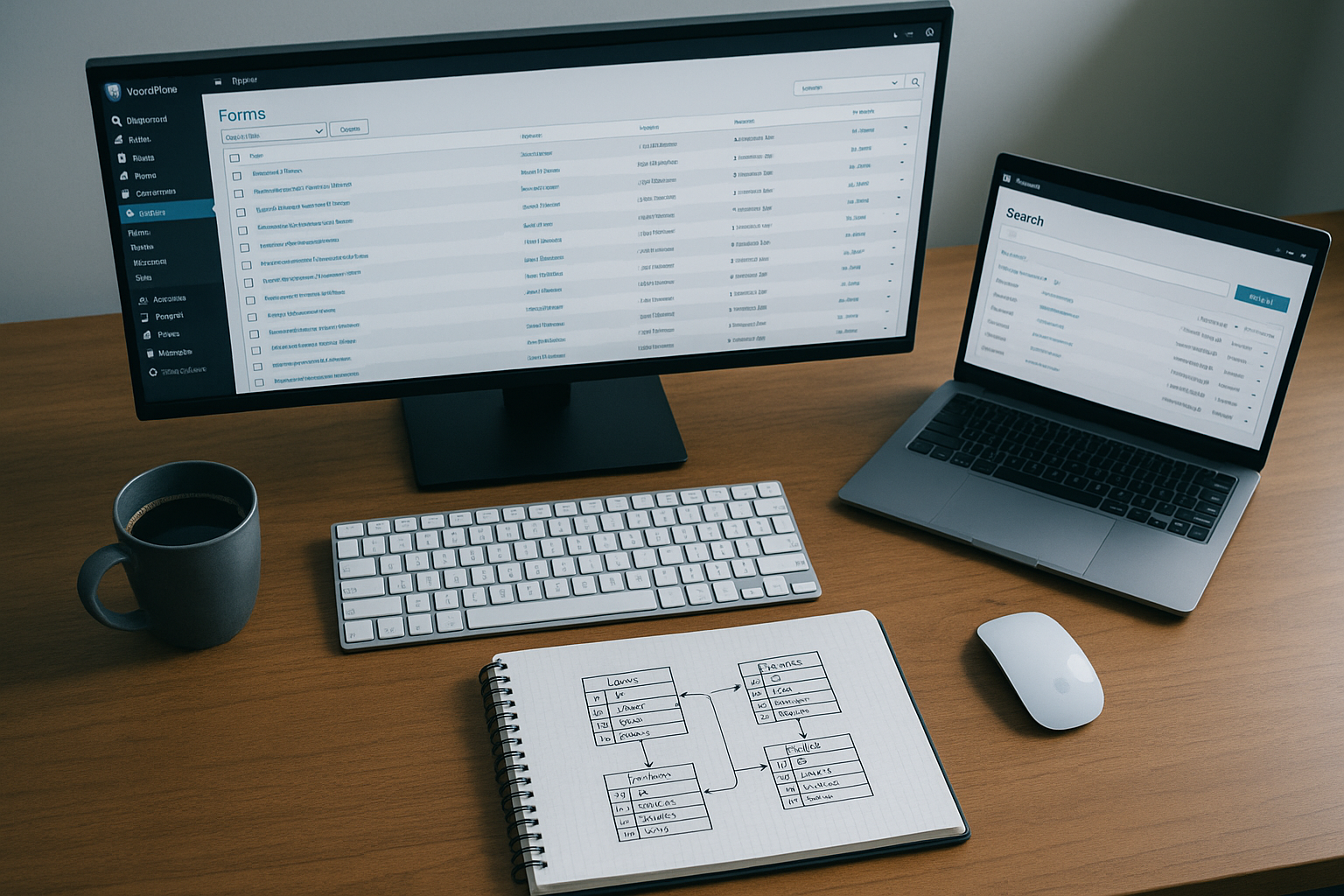
To manage multiple Gravity Forms reliably, keep a form inventory with an owner and retention policy, record every embed location, standardize names, search entries across forms when support requires it, and review notifications and add-on feeds on a schedule. Diagnose performance with measurements before changing the database. Export form definitions before structural edits, and remember that deleting a field also deletes that field’s values from existing entries.
This guide turns those principles into a repeatable operating system for agencies, universities, nonprofits, membership sites, and internal teams with dozens or hundreds of forms.
Build a Gravity Forms inventory
Start with one row per form. A spreadsheet is enough; a maintained internal database is better when several teams own forms.
Record:
- form ID and exact title;
- business purpose and current owner;
- active, inactive, test, legacy, or replacement status;
- every page, post, template, popup, or builder layout where the form is embedded;
- data classification and retention period;
- notifications, confirmations, payment feeds, and other add-on feeds;
- external destinations such as a CRM, email platform, spreadsheet, or webhook;
- last successful end-to-end test and next review date; and
- replacement form ID or redirect destination when the form is retired.
The inventory is not documentation for its own sake. It answers the questions that make form incidents expensive: Who can approve a change? Where will that change appear? Which system should receive the entry? How long may the data remain? What can be turned off safely?
Use names that remain useful in the Forms list
Use a consistent pattern such as:
[Team] – [Purpose] – [Location or campaign] – [State]
Examples:
Sales – Demo request – Product pages – ActiveHR – Job application – Engineering – ActiveEvents – Spring conference – Registration – Closed 2026
Do not put sensitive data in the title. Keep the form ID in the inventory rather than renaming the form every time its page moves. IDs are also what shortcodes, hooks, API calls, and many integration settings use.
Gravity Forms’ Forms list can filter active, inactive, and trashed forms and can sort the list. That is useful for routine work, but a naming standard makes the same list understandable to everyone.
Map every page that embeds a form
Before changing or deactivating a form, find every place it is rendered. Check more than normal page content:
- Gravity Forms blocks and shortcodes;
- page-builder modules;
- theme templates and reusable patterns;
- popups, widgets, sidebars, and footers;
- custom PHP templates; and
- landing pages that are excluded from normal site navigation.
A text search can miss builder data, global templates, and programmatic embeds. Odd Jar makes List Form Pages for Gravity Forms, which adds a linked Pages column to the Forms list and maintains an index across shortcodes, blocks, templates, and supported builders. That is an Odd Jar product; it is useful when embed discovery is a recurring operational task, not a substitute for recording non-page API usage in your inventory.
For a one-time audit, combine an indexed embed report with repository searches and a review of templates. Open each important public location and submit a test entry instead of treating the presence of an embed as proof that the complete workflow works.
Search entries without guessing the form
The normal Gravity Forms entry workflow begins with one form: open its Entries screen, then filter or search within that form. This is fine when the support request already identifies the form. It is slow when someone supplies only an email address, order reference, or name and could have used any of 80 forms.
Choose a search method based on the job:
- Known form: use the native Entry list filters.
- Occasional cross-form request: search an approved external destination if every relevant form reliably sends data there.
- Frequent WordPress-admin lookup: use a cross-form entry search with appropriate capability checks.
- Reporting and analysis: export selected data to a governed reporting store rather than using operational entry search as a warehouse.
Odd Jar’s Global Search for Gravity Forms searches forms, fields, entries, and entry notes from one WordPress admin search. It is an Odd Jar product. Limit access to staff who are already authorized to see the underlying entries; faster retrieval should not broaden access to personal or sensitive data.
Set retention per form
Gravity Forms stores entries indefinitely by default. Its Form Settings → Personal Data screen can instead move entries to Trash or delete them permanently after a specified number of days. The same policy also covers Save and Continue draft submissions.
Choose a retention period from the form’s business and legal purpose, not from a universal SEO or performance rule. A newsletter signup, a job application, a support attachment, and a payment record may have different requirements.
Important behavior:
- automatic cleanup runs through a daily WordPress cron task, so the period is a minimum rather than an exact deletion time;
- permanent deletion cannot be undone;
- associated file uploads are deleted with a permanently deleted entry by default;
- automatic Trash provides a recovery window but does not reduce storage until Trash is emptied; and
- the same Personal Data screen can prevent new IP-address storage when the form does not need it.
Test the retention policy on a noncritical form first. Confirm that WordPress cron runs reliably, downstream feeds finish before deletion, files behave as expected, and the policy matches the organization’s documented requirements.
Back up form definitions and entry data separately
A Gravity Forms form export is a JSON file containing the form and its settings. An entry export is a CSV containing selected submissions. They serve different purposes.
- Export the form definition before changing fields, notifications, confirmations, or feeds.
- Use a database backup for disaster recovery.
- Export entries when the business needs a governed offline copy or a migration dataset.
- Protect exports because they may contain personal data and uploaded-file URLs.
A CSV export is not a complete WordPress recovery plan. Test restores, access controls, encryption, and deletion schedules for backup copies separately from live-form retention.
Do not delete a field casually
Each Gravity Forms field has a unique ID. Deleting a field permanently removes that field’s data from existing entries. There is no undo inside Gravity Forms.
If a field should stop appearing but its historical data must remain, Gravity Forms documents a safer path: make it non-required and set its visibility to Administrative. Add the replacement field with a new ID, then update every dependency:
- conditional logic and calculations;
- notifications and confirmations;
- add-on feed mappings;
- merge tags in content and redirects;
- custom hooks, API clients, and reports; and
- entry export templates.
Administrative fields have their own behavior and are not shown in notifications, so test the replacement rather than assuming the visibility change is transparent.
Control changes with staging and a path test
For every material form change:
- Record the reason, owner, affected form ID, and embed locations.
- Export the current form JSON.
- Reproduce the form and its integrations in staging where practical.
- List every conditional path, notification, confirmation, calculation, payment, and feed expected to run.
- Test valid, invalid, duplicate, spam-like, and abandoned paths as relevant.
- Inspect the saved entry and downstream record, not only the browser confirmation.
- Deploy during an appropriate window and run a production smoke test with clearly labeled test data.
- Record the result and rollback route.
Changing a field label is usually low risk. Changing a field ID, choice value, payment product, webhook, or feed mapping can alter stored data and downstream processing. Treat those as integration changes.
Audit notifications, confirmations, and feeds
Review each active form on a schedule and after staff, vendor, or credential changes.
Notifications
Confirm recipients, sender domain, conditional rules, attachments, and message merge tags. Prefer role addresses such as [email protected] over one employee’s mailbox. A correct Gravity Forms notification does not guarantee delivery; verify the mail transport and inbox result.
Confirmations
Open every page and URL destination. Check query strings for exposed personal data, stale campaign parameters, broken pages, and redirect loops. If several conditional confirmations match, Gravity Forms uses the first matching one; keep the Default Confirmation useful as the fallback.
Add-on feeds
Check whether the feed is active, its credentials are current, conditional rules still match, required fields are mapped, and the external destination still exists. Submit realistic test data and review the resulting entry notes or add-on logs.
Enable Gravity Forms logging only for a defined diagnostic period. Logs can contain personal or sensitive information. Download what support needs, then disable logging and remove the log files when the investigation is complete.
Keep related Gravity Forms entries in sync deliberately
When several forms store copies of the same customer, project, or member field, decide which value is authoritative and what event should update the related entries. Do not let each form become an undocumented “source of truth.”
Odd Jar makes Field Sync for Gravity Forms to propagate mapped field updates across related Gravity Forms entries. It is an Odd Jar product. It does not automatically replace a CRM integration or synchronize arbitrary WordPress user and post metadata; use it when the problem is consistency between Gravity Forms entries.
Document the match key, source field, destination fields, update direction, collision behavior, and recovery plan. Avoid ambiguous matching on mutable values such as a display name. Test what happens when the key is blank, duplicated, or changed.
Diagnose performance before optimizing
“Gravity Forms is slow” can describe several different problems:
- the public form takes too long to render;
- conditional fields lag after an answer changes;
- submission waits on mail or external feeds;
- the Forms or Entries admin screen is slow;
- entry searches or exports time out; or
- background processing is not running.
Measure the affected request, browser console, network calls, database queries, PHP errors, and Gravity Forms logs before changing infrastructure. The current Gravity Forms schema separates form definitions, entries, entry meta, notes, feeds, transactions, views, and draft submissions across several tables. Table size alone does not identify the slow query.
Large public forms
Gravity Forms documents that conditional logic is evaluated in the browser. A large field count, complex nested dependencies, and other page scripts can create client-side work. Simplify the logic, remove unsupported nested rules, and split an oversized workflow when measurement shows the form itself is the bottleneck. AJAX changes how a form submits or advances; it is not a guaranteed cure for a heavy rule graph.
Slow admin queries
Capture the slow query and its execution plan. Check database health, host resource limits, plugin versions, and whether custom code bypasses the Gravity Forms API. Do not paste a generic composite index or run blanket table-maintenance SQL on production. An index that helps one query can consume substantial storage and write time or duplicate an index supplied by a newer schema. Have the host, database administrator, or plugin vendor review the measured query, back up the database, and test the change on a comparable copy.
Slow or failed feed processing
Check WordPress Site Health, Gravity Forms System Status, cron/background processing, outbound HTTP access, feed conditions, credentials, and logs. A fast public confirmation can coexist with a failed asynchronous feed, so monitor the destination rather than only the submit response.
Use WP-CLI for repeatable audits
Gravity Forms provides a CLI Add-On with commands for listing, exporting, importing, updating, and deleting forms and entries. It is useful for repeatable inventories and controlled maintenance:
wp gf form list --active --sort_column=id --format=json
wp gf form export 12 18 27 --dir=/secure/export/path
wp gf entry export 12 entries.json --dir=/secure/export/path --format=json
Run write and delete commands only after confirming IDs, backups, and environment. Store exports outside the public web root, restrict permissions, and apply the same retention controls used for other copies of form data.
A quarterly Gravity Forms operations checklist
- Reconcile the inventory with active, inactive, and trashed forms.
- Confirm an owner and business purpose for every active form.
- Find every embed and open the important public locations.
- Review retention, IP storage, file uploads, and access requirements.
- Test notifications, confirmations, payments, webhooks, and add-on feeds.
- Review failed background tasks and temporary diagnostic logs.
- Confirm backups and form-definition exports can be restored.
- Archive or inactivate obsolete forms only after mapping replacements and dependencies.
- Review slow requests with evidence before changing code or database indexes.
- Record the audit date, findings, changes, and next owner.
The goal is not to make every form identical. It is to make every form discoverable, owned, testable, recoverable, and governed. Once those controls exist, adding the next form is a routine change instead of another hidden dependency.

