
List Form Pages for Gravity Forms
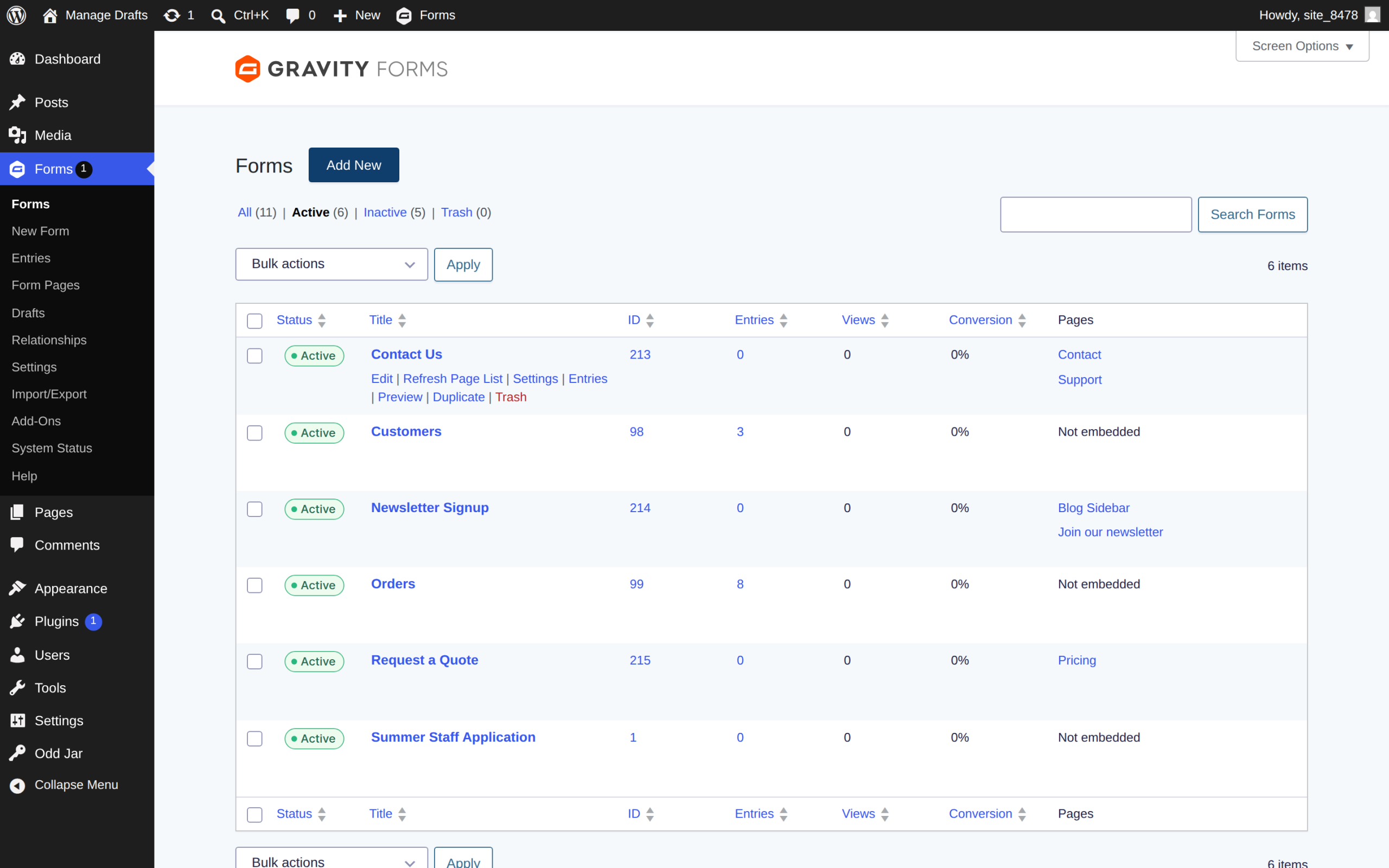
Introducing List Form Pages for Gravity Forms. This add-on does precisely what it says: It provides a linked list of all the posts and pages that contain your forms. This list includes all embedded forms, including those inserted by page builders.
The list lives in the main Gravity Forms dashboard, alongside each of your forms.
🚀 Now at version 2.1.2 (Released 10/22/2026)
➕ Pairs well with Global Search

Screenshots
What does it do?
Frequently asked questions
This plugin adds a new column to the Gravity Forms list in your WordPress admin area, showing you which pages have each form embedded. It supports various page builders and methods of embedding forms, making it easier to track where your forms are being used across your website.
The plugin supports a wide range of popular page builders and embedding methods, including:
- Classic Editor (shortcodes)
- Gutenberg Blocks
- Elementor
- Divi Builder
- Oxygen Builder
- WPBakery Page Builder
- Beaver Builder
- Bricks Builder
- JetEngine
- Ultimate Addons for Elementor
- ACF fields
Plus a universal catch-all: if a form renders on a page, it’s detected on first view — even with builders not listed here.
Yes, this plugin is compatible with all Gravity Forms add-ons. It doesn't interfere with form functionality; it only adds a new column to help you locate where forms are embedded.
No. The plugin keeps a lightweight per-post index that updates automatically whenever you publish, edit, or delete content — nothing heavy runs on your visitors’ page loads. The Pages column reads straight from that index, so the forms list stays fast even on large sites.
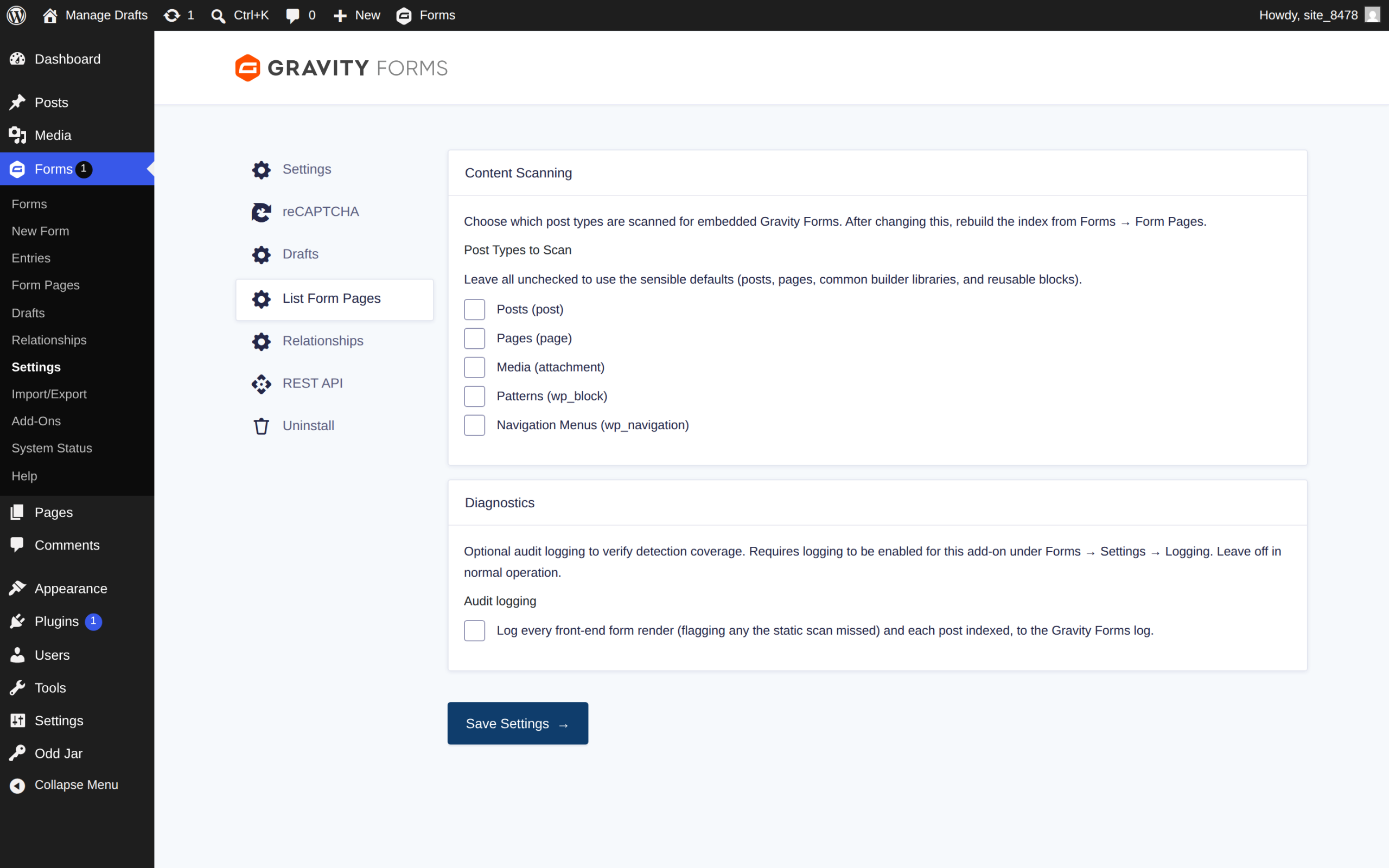
Yes. Every public post type is scanned by default — custom post types included. Adjust the list under Forms → Settings → List Form Pages.
Yes. Besides scanning stored post content (including page-builder data), the plugin watches actual front-end renders: when a form is output by a theme template, a PHP call like gravity_form(), or a page builder the plugin doesn’t explicitly know, it’s detected and indexed the first time that page is viewed.
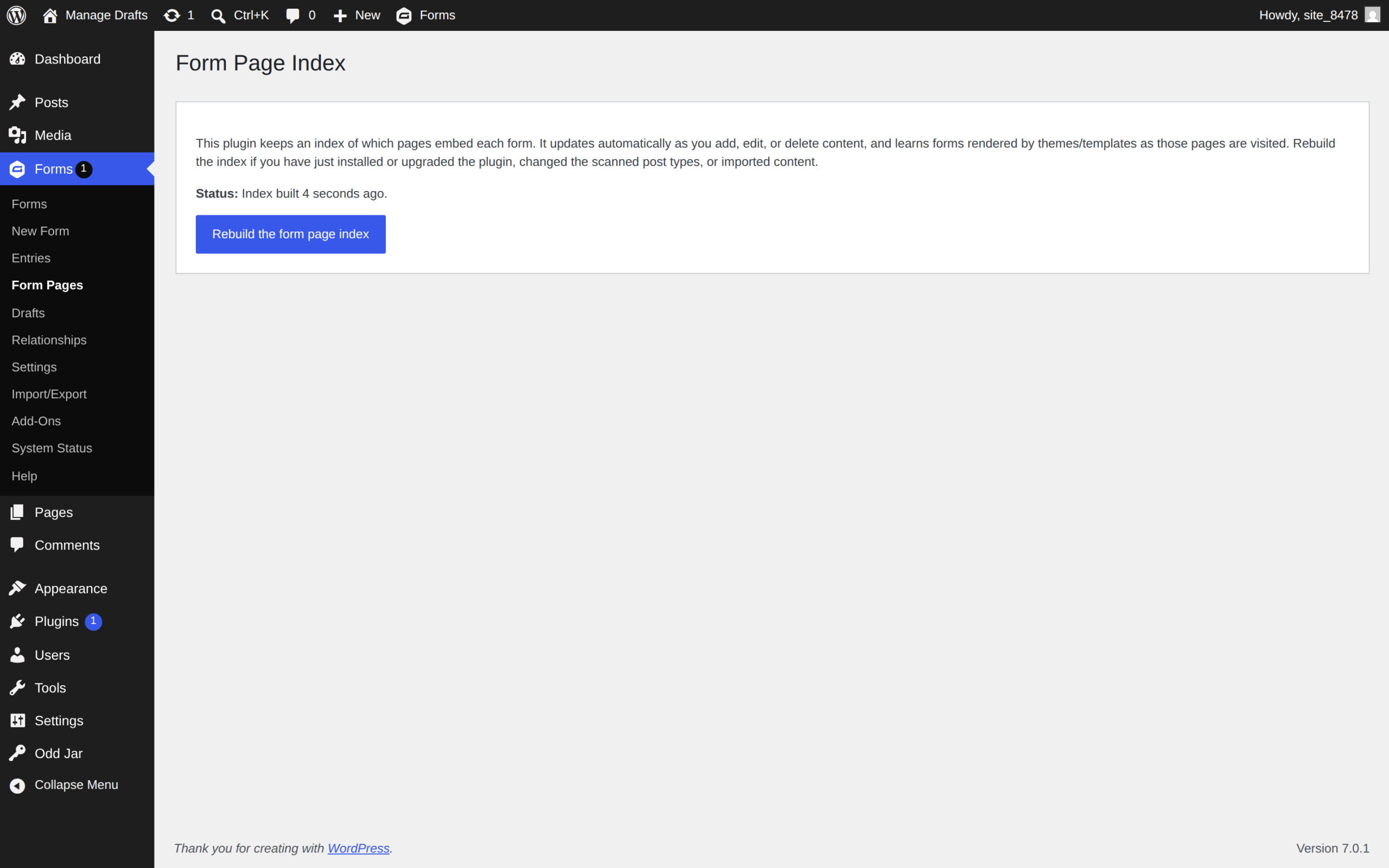
No. Activate the plugin and the index builds itself in the background — no buttons to click. The new “Pages” column appears right away, and you can fine-tune which post types are scanned (or enable audit logging) under Forms → Settings → List Form Pages.

