
Beehiiv for Gravity Forms
The only Gravity Forms add-on that connects directly to Beehiiv. Turn any form into a newsletter signup. Map custom fields, control double opt-in, track UTM sources, and sync subscribers instantly—no Zapier required.
🚀 v1.0.1 released on Jul. 21, 2026
➕ Pairs well with List Form Pages

Screenshots
What does it do?
Frequently asked questions
Beehiiv for Gravity Forms is a native add-on that connects your Gravity Forms directly to your Beehiiv newsletter platform. When someone submits a form, their information flows straight into Beehiiv as a new subscriber—no third-party automation tools, no manual exports, no extra monthly fees.
This plugin creates a direct connection between Gravity Forms and Beehiiv. That means faster subscriber creation, no extra subscription costs, no workflow debugging, and no risk of hitting automation limits during high-traffic campaigns. It also supports Beehiiv-specific features like custom fields and double opt-in control that Zapier can't easily handle.
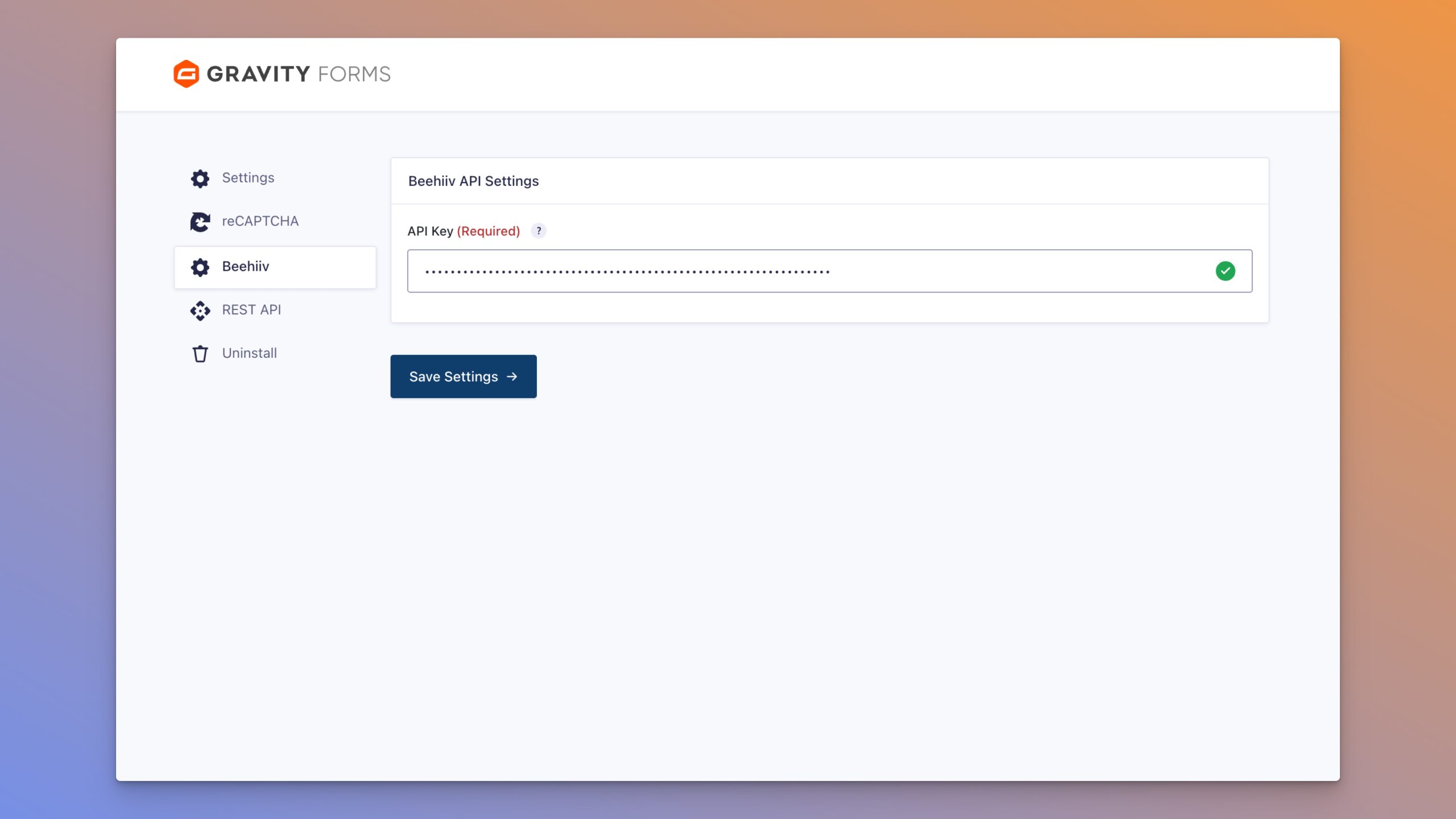
No. If you can create a Gravity Forms form and copy an API key from Beehiiv, you can set this up. Select your publication, map your email field, and you're done. The plugin handles everything else.
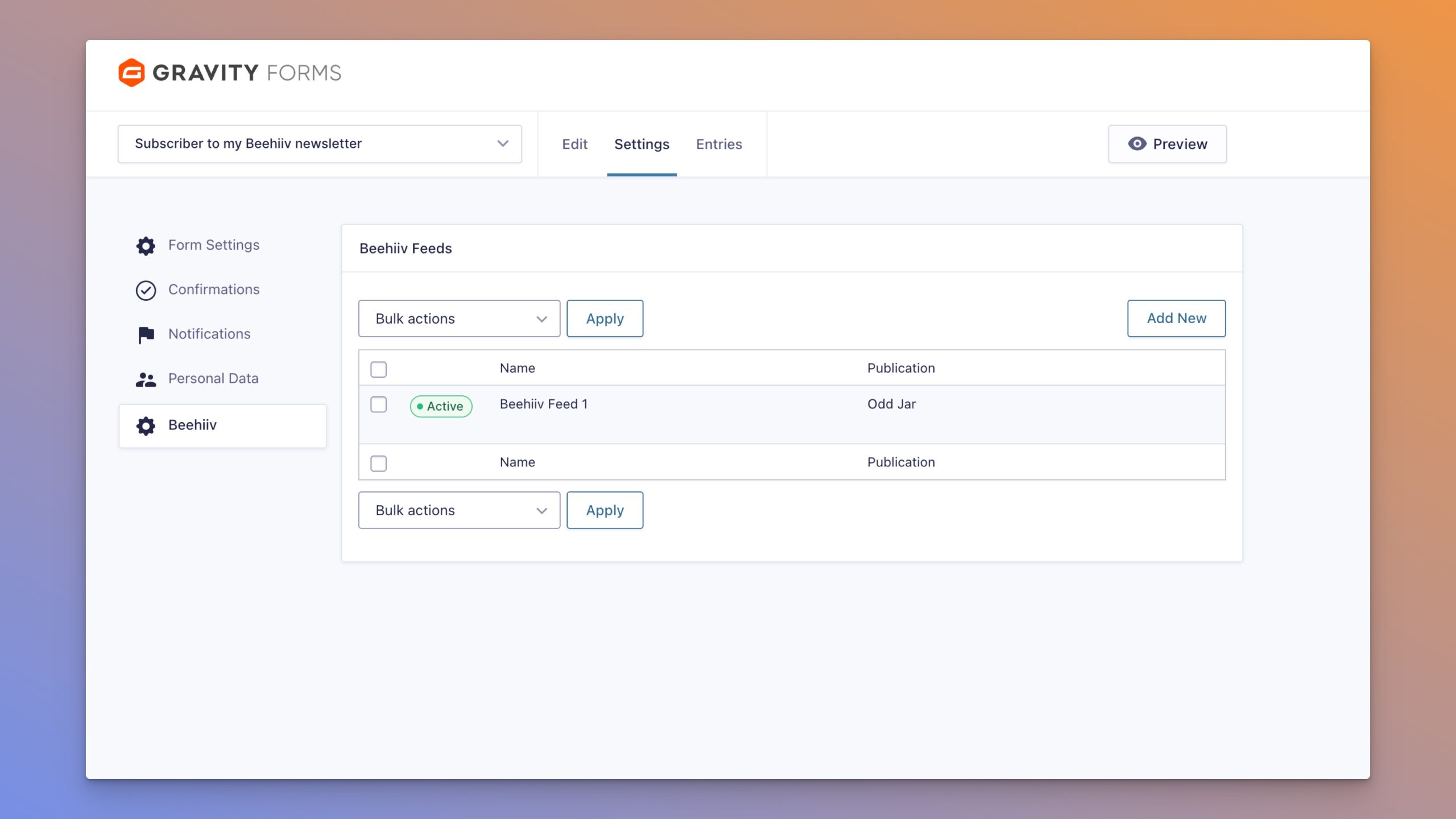
Yes. The plugin supports all publications associated with your Beehiiv API key. You can create different feeds for different publications, even on the same form.
Custom fields in Beehiiv let you store additional subscriber data beyond just email—things like name, company, interests, or any information you collect. This plugin lets you map any Gravity Forms field to any Beehiiv custom field you've created. Just create the custom field in Beehiiv first, then map it in your feed settings.
Yes. You can override your publication's default double opt-in setting on a per-feed basis. Set it to On to always require confirmation, Off to skip confirmation, or Default to use whatever your publication is configured for.
Every subscriber created through this plugin can be tagged with UTM parameters—source, medium, campaign, and referring site. These show up in your Beehiiv analytics so you can see which forms and campaigns drive the most subscribers. You can even use Gravity Forms merge tags to pull dynamic values from form fields.
Yes. You can use Gravity Forms conditional logic to control when a feed runs. Only want to subscribe people who check a specific checkbox? Only want to add subscribers from a certain country? Set up your conditions and the plugin respects them.

