Losing your WordPress site to a failed update, hack, or hosting crash is one of those disasters that feels unreal until it happens. The right backup plugin prevents that gut-drop moment by keeping a restorable copy of everything — files, database, media, and configuration — ready to deploy in minutes.
This comparison breaks down the five most capable WordPress backup plugins available right now: UpdraftPlus, BlogVault, Jetpack VaultPress Backup, BackWPup, and WPvivid. Each one takes a different approach to the same problem, so the best choice depends on your site’s size, budget, and how much you value convenience over control.
Quick Comparison Table
| Plugin | Free Version | Premium Price | Real-Time Backups | Incremental | Built-In Staging | Cloud Storage Included | Best For |
|---|---|---|---|---|---|---|---|
| UpdraftPlus | Yes | $70/yr (2 sites) | No | Premium only | Premium only | No (bring your own) | Budget-conscious sites with existing cloud storage |
| BlogVault | No (7-day trial) | $89/yr (1 site) | WooCommerce tier | Yes | Yes | Yes (BlogVault servers) | WooCommerce stores and agency-managed sites |
| Jetpack VaultPress | No | $59.40/yr intro (1 site) | Yes | Yes (via real-time) | No | Yes (10 GB, expandable) | Sites needing real-time protection with minimal setup |
| BackWPup | Yes | $69/yr (1 site) | No | No | No | No (bring your own) | Developers who want granular job-based control |
| WPvivid | Yes | $49/yr (2 sites) | No | Pro only | Yes | No (bring your own) | Freelancers and agencies on a budget |
UpdraftPlus: The Free-Tier Standard
UpdraftPlus is the most widely installed WordPress backup plugin, running on over three million sites. The free version covers the fundamentals: scheduled backups, manual one-click backups, and restoration from local or remote storage. It supports Dropbox, Google Drive, Amazon S3, Rackspace, and FTP out of the box.
The premium version adds incremental backups (which only capture changes since the last run), migration tools, multisite support, and additional storage destinations including Microsoft OneDrive, Azure, Backblaze B2, and SFTP. UpdraftPlus also gained WP-CLI support in late 2025, which is useful for developers running backups from the command line.
Where UpdraftPlus falls short is real-time backups. It works on a schedule — hourly at best — so any changes made between backup intervals could be lost. For content-heavy sites or WooCommerce stores processing orders constantly, that gap matters.
Pricing: Free version available. Premium starts at $70 per year for two sites.
BlogVault: Off-Site Processing With Built-In Staging
BlogVault takes a fundamentally different approach by processing backups on its own servers rather than your hosting environment. This off-site processing means backup jobs consume almost zero server resources, which is a genuine advantage for sites on shared hosting or those already pushing performance limits.
Every BlogVault backup is incremental by default, capturing only the files and database rows that changed since the previous backup. The plugin also includes a one-click staging environment, zero-downtime migration tools, and a centralized dashboard for managing multiple sites.
The WooCommerce tier adds real-time backups that sync every order and transaction as it happens, which prevents the data-gap problem that schedule-based plugins face. BlogVault also offers test restores, letting you verify that your backup actually works before you need it in an emergency.
The main drawback is the absence of a free version. After the seven-day trial ends, the site reverts to having no backup coverage unless you subscribe.
Pricing: No free version. Plans start at $89 per year for one site. WooCommerce real-time tier is higher.
Jetpack VaultPress Backup: Real-Time Protection From Automattic
Jetpack VaultPress Backup is the only plugin on this list that captures every single change in real time — every post edit, comment, plugin update, WooCommerce order, and media upload — without relying on scheduled intervals. Backups are stored on Automattic’s cloud infrastructure with one-click restoration from a 30-day activity log.
The real-time approach makes it particularly strong for WooCommerce stores and membership sites where losing even a few hours of data is unacceptable. Restoration works even if the WordPress dashboard is down, which is critical during hack recovery scenarios.
Storage starts at 10 GB on the base plan, which may be tight for media-heavy sites. The 1 TB tier requires the Complete plan at $299.40 per year (introductory). Cloud storage is locked to Jetpack’s servers — you cannot back up to your own S3 bucket or Google Drive, which limits redundancy options.
The introductory pricing is also worth noting carefully. The base plan starts at $4.95 per month ($59.40 per year) but renews at $9.95 per month ($119.40 per year), effectively doubling the cost after year one.
Pricing: No free version. Starts at $59.40 per year (introductory), renews at $119.40 per year. Complete plan with 1 TB storage is $299.40 per year introductory.
BackWPup: Job-Based Backups for Technical Users
BackWPup uses a job-based architecture where you create individual backup jobs with specific schedules, file selections, and storage destinations. This granularity appeals to developers and system administrators who want precise control over what gets backed up, when, and where it goes.
The free version is surprisingly capable, supporting Dropbox, Amazon S3, Azure, SugarSync, and FTP. You can configure separate jobs for database-only backups (running hourly) and full file backups (running weekly), then send each to different storage destinations. The plugin also includes database optimization and repair tools.
The Pro version adds encrypted backups, Google Drive and OneDrive support, a standalone restore application that works without WordPress access, and site migration tools. BackWPup 5.6.0 added WP-CLI support for command-line backup management.
The trade-off is complexity. BackWPup assumes you understand backup strategies and storage management. There is no incremental backup system, so every job runs a full backup, which increases storage usage and server load on larger sites.
Pricing: Free version available. Pro starts at $69 per year for one site.
WPvivid: Budget-Friendly Backups With Staging
WPvivid offers the lowest premium entry point of any plugin in this comparison while still including features like incremental backups, staging environments, and broad cloud storage support. The free version handles full, database-only, and files-only backups with cloud uploads to Google Drive, Dropbox, OneDrive, Amazon S3, Wasabi, Backblaze, and FTP/SFTP.
The Pro version adds granular backup customization (including non-WordPress files and extra databases), multiple concurrent schedules, per-site cloud storage folders, and advanced staging with a snapshot-based workflow for dev-to-live deployments. Multisite support covers full network backups or individual subsite extraction.
One important note: a security vulnerability disclosed in February 2026 affected approximately 800,000 WPvivid installations. The issue involved arbitrary file uploads and has been patched, but it underscores the importance of keeping any backup plugin updated promptly. The same data access that makes backup plugins useful also makes them high-value targets when vulnerabilities appear.
Pricing: Free version available. Pro starts at $49 per year for two sites, scaling to $149 per year for unlimited sites.
How to Choose the Right Backup Plugin
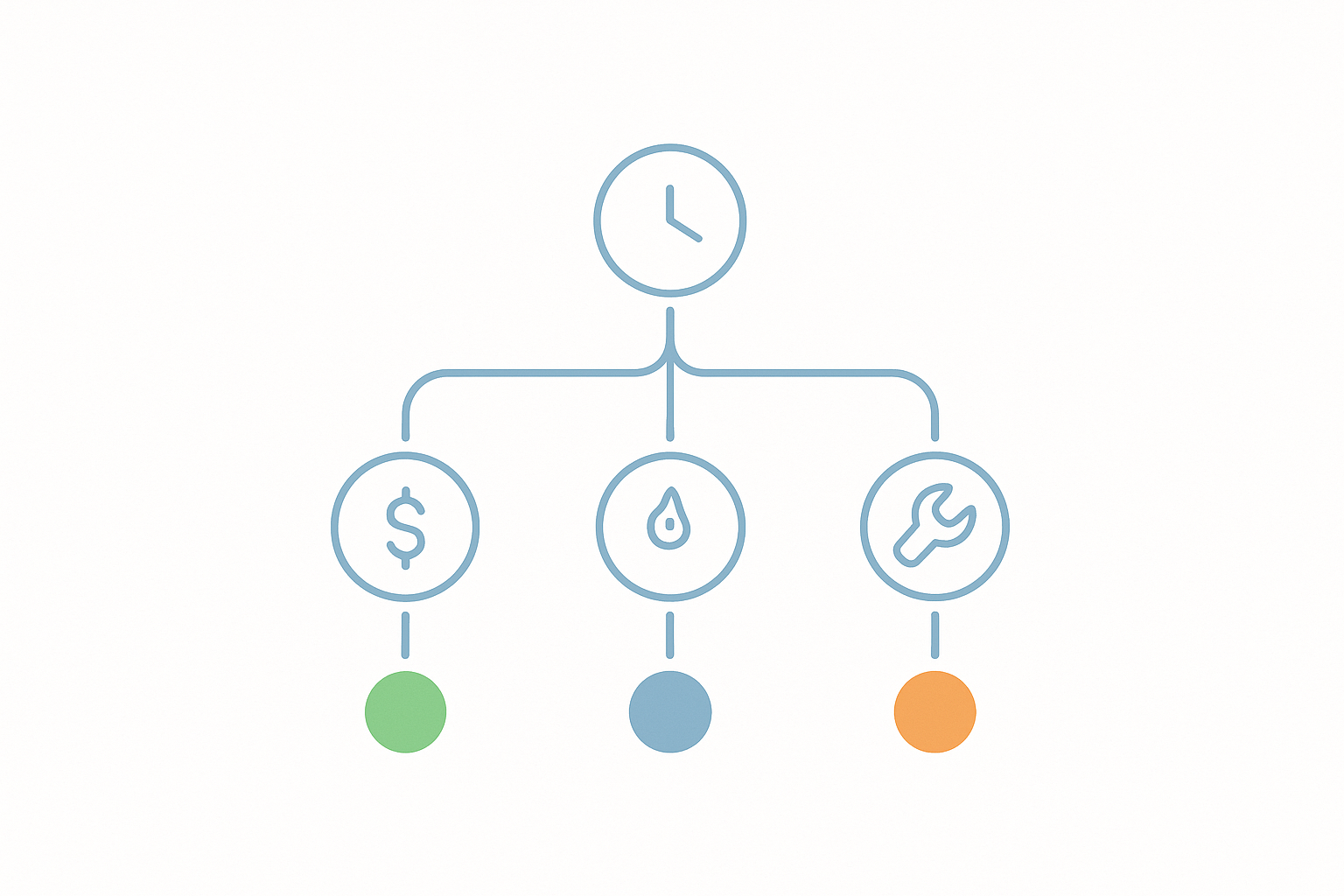
The decision often comes down to three factors: whether you need real-time backups, whether you want included cloud storage, and how many sites you manage.
Choose UpdraftPlus if you already have cloud storage (Google Drive, Dropbox, S3) and want a reliable, widely-tested backup system with a strong free tier. It is the safe default for most WordPress sites.
Choose BlogVault if you run a WooCommerce store or manage client sites for an agency. The off-site processing, built-in staging, and centralized dashboard justify the premium-only pricing for professional use cases.
Choose Jetpack VaultPress Backup if real-time backup coverage is non-negotiable. No other plugin on this list captures every change as it happens. Just factor in the renewal price increase after year one.
Choose BackWPup if you prefer granular control over backup jobs and schedules. It is the most configurable option for developers comfortable managing their own backup strategy.
Choose WPvivid if you need staging, incremental backups, and multi-site support at the lowest cost. The Pro plan covers two sites for less than most competitors charge for one.
Testing Your Backup Strategy
Regardless of which plugin you choose, a backup is only as good as its last successful restore. Schedule a quarterly test restore to a staging environment to confirm that your backup files are complete, your database is intact, and your restoration process works end to end. BlogVault and some UpdraftPlus configurations support test restores natively, while other plugins require a manual staging restore to verify. For a deeper walkthrough of backup testing procedures, see our complete disaster recovery testing guide.