
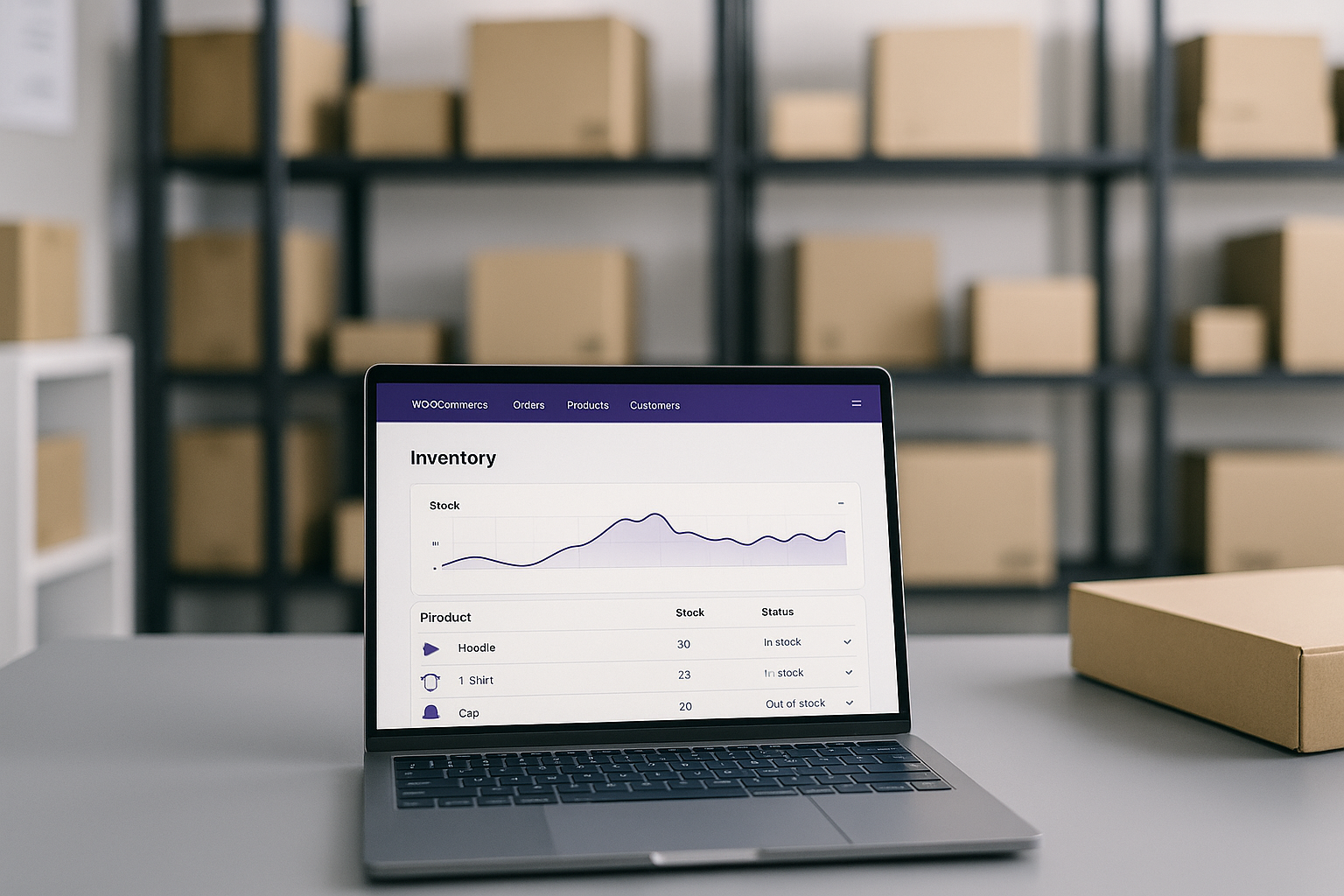
Your WooCommerce store just sold the last unit of your best-selling product to three different customers simultaneously. Now you’re facing refund requests, angry emails, and the kind of reviews that tank conversion rates. Overselling isn’t just embarrassing—it costs ecommerce businesses up to 10% of revenue annually through lost sales, customer churn, and operational firefighting.
The native WooCommerce inventory tools handle basic stock tracking, but they weren’t designed for stores managing hundreds of SKUs across multiple warehouses or sales channels. That’s where dedicated inventory management plugins fill the gap, transforming reactive stock-checking into proactive inventory control.
This comparison examines three approaches to WooCommerce inventory management in 2025: ATUM for comprehensive free inventory control, Smart Manager for bulk operations at scale, and multi-location solutions for distributed warehouse operations.
Quick Comparison: WooCommerce Inventory Management Plugins
| Plugin | Best For | Multi-Warehouse | Bulk Editing | Starting Price |
|---|---|---|---|---|
| ATUM Inventory Management | Comprehensive free solution | Via add-on ($30-99) | Yes (Stock Central) | Free core |
| Smart Manager | High-volume bulk operations | No | Excel-like interface | Free / Pro $199/year |
| Multi-Location Inventory | Distributed warehouses | Yes (native) | Per-location | $79-199/year |
ATUM Inventory Management: The Free Powerhouse
ATUM stands out as the most feature-complete free inventory management solution for WooCommerce. Its Stock Central dashboard provides a spreadsheet-style view of your entire catalog with real-time stock levels, prices, suppliers, and sales velocity indicators—all editable inline without opening individual product pages.
Key Features
- Stock Central Dashboard: Visual overview with thumbnails, SKUs, prices, stock quantities, and weekly/fortnightly sales indicators. Columns are customizable, searchable, and exportable to PDF.
- Purchase Order Management: Create supplier orders, track inbound stock, and maintain purchase price history. Suppliers can be assigned per product or variation.
- Inventory Logs: Complete audit trail tracking reservations, returns, damages, and stock movements. Essential for accountability and investigating discrepancies.
- Low Stock Alerts: Automated notifications when products hit configurable thresholds, preventing stockouts before they happen.
Premium Add-ons
The free core handles most inventory needs, but ATUM’s modular add-ons ($30-99 each, available at Stock Management Labs) extend functionality for specific requirements:
- Multi-Inventory: Track separate stock levels across multiple locations with hierarchical organization
- Product Levels: Bill of materials functionality for stores assembling products from components
- Action Logs: Enhanced audit trails for team environments
Best For
ATUM is ideal for small to medium WooCommerce stores seeking enterprise-level inventory control without upfront costs. The free version covers 90% of typical inventory needs, with add-ons available as operations grow more complex.
Smart Manager: Bulk Operations at Scale
Smart Manager approaches inventory differently—it’s essentially a spreadsheet interface for your entire WooCommerce database. Where ATUM excels at inventory-specific workflows, Smart Manager dominates when you need to modify thousands of products simultaneously.
Key Features
- Excel-Style Bulk Editing: Update stock quantities, prices, descriptions, categories, and custom fields across unlimited products using familiar spreadsheet interactions. Copy-paste between fields works exactly as expected.
- Advanced Filtering: Search and filter by any combination of attributes, categories, stock status, or custom fields. Select all filtered results for batch operations.
- Scheduled Updates: Queue price changes or stock adjustments to execute automatically at specified times—perfect for flash sales or seasonal adjustments.
- Export/Import: CSV export for offline editing with seamless reimport, supporting stores with complex update workflows.
Performance Benchmarks
Smart Manager’s 2025 updates include 10x performance improvements for taxonomy operations. User testimonials report updating 6,000+ products in minutes rather than hours of individual edits.
Pricing
Free version available with basic functionality. Pro version at $199/year unlocks scheduled edits, advanced filtering, and support for WooCommerce Subscriptions, Bookings, and other extensions.
Best For
Stores with large catalogs (500+ SKUs) requiring frequent bulk updates. Smart Manager excels at operational efficiency but doesn’t provide the inventory-specific features like purchase orders or supplier management found in ATUM.
Multi-Location Solutions: Distributed Inventory Control
For stores operating multiple warehouses, fulfillment centers, or retail locations, dedicated multi-location plugins provide features that single-warehouse solutions lack entirely.
Leading Multi-Location Options
Multi-Location Product & Inventory Management offers the most comprehensive feature set:
- Separate stock quantities, backorder settings, and prices per location
- IP geolocation auto-detecting customer location and displaying nearest inventory
- Location-based shipping rates and free shipping thresholds
- Automatic order routing to appropriate warehouse
- Inter-location stock transfers
Multiloca provides a lighter-weight alternative with core multi-warehouse tracking, customer location selection, and click-and-collect functionality. The Lite version is free, with Pro adding advanced features.
ATUM Multi-Inventory Add-on extends ATUM’s powerful inventory foundation with per-location stock control, integrating multi-warehouse capability with ATUM’s existing purchase orders and reporting.
Pricing Comparison
| Multi-Location Plugin | Price | Locations Supported |
|---|---|---|
| Multi-Location Product & Inventory | $79/year | Unlimited |
| Multiloca Lite | Free | Unlimited (basic) |
| Multiloca Pro | $99/year | Unlimited (advanced) |
| ATUM Multi-Inventory | $30-99 | Unlimited |
Best For
Multi-location solutions are essential for stores with distributed inventory—multiple warehouses, dropshipping arrangements, or retail locations with in-store pickup options. If you’re operating from a single location, these plugins add complexity without benefit.
Decision Framework: Choosing Your Solution
Your optimal choice depends on operational scale and specific requirements:
Choose ATUM if:
- You want comprehensive inventory features without paying upfront
- Purchase orders and supplier management are important
- You need detailed inventory logs for accountability
- Your store operates from a single location (or you’re willing to add the multi-inventory add-on)
Choose Smart Manager if:
- You frequently update hundreds or thousands of products
- Bulk price changes and catalog-wide edits are routine
- You prefer spreadsheet-style workflows
- Inventory-specific features like purchase orders aren’t priorities
Choose Multi-Location plugins if:
- You operate multiple warehouses or fulfillment centers
- Customer proximity to inventory affects shipping costs or speed
- You offer in-store pickup from retail locations
- Location-based pricing or availability is required
Implementation Recommendations
Regardless of which solution you choose, follow these practices for successful inventory management:
- Start with built-in WooCommerce settings. Enable stock management under WooCommerce > Settings > Products > Inventory before adding plugins.
- Set realistic low-stock thresholds. Account for supplier lead times and sales velocity when configuring alerts.
- Conduct regular audits. No plugin eliminates the need for periodic physical inventory counts to catch and correct discrepancies.
- Test on staging first. Inventory plugins interact deeply with your product database. Verify functionality before deploying to production. For guidance on setting up staging environments, see our WordPress Staging Plugins guide.
Poor inventory management costs WooCommerce stores significantly through overselling, stockouts, and manual inefficiency. The right plugin transforms inventory from an operational headache into a competitive advantage—whether that’s ATUM’s free comprehensive control, Smart Manager’s bulk efficiency, or multi-location solutions for distributed operations.

